
Start a Check in POSitouch
Description: Learn how start a check in POSitouch for a full service restaurant.
Start a Check
- Type in the user number and select Enter.

- Enter the table number and select Enter.
.jpeg?revision=1)
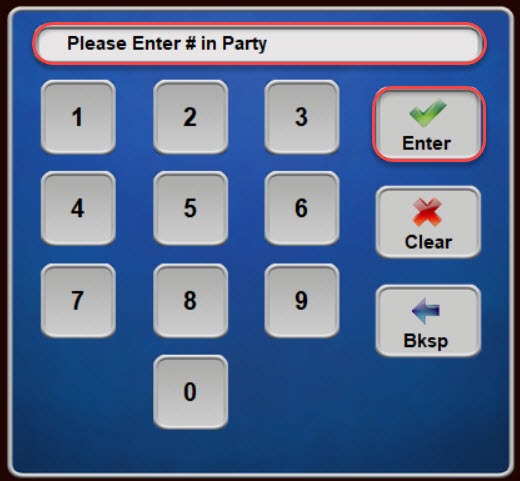
- If prompted, enter the number of guests in the party and select Enter.
.jpeg?revision=1)
- A new check will now be open, and the user can proceed to order items as necessary.
.jpeg?revision=1)