
Create a Sales Order in Dynamics 365
Description: In order to process a card payment for a customer on the Call center, users must first create a Sales order for the customer.
- Navigate to Modules > Accounts receivable > Orders > All sales orders.

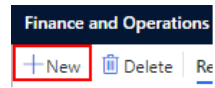
- Select New.
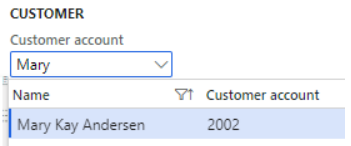
- Add a customer under Customer account.
- Select OK.
- Under the Sales order header, make sure that a Mode of delivery is selected.

- In the Sales order lines add a product from the Item number dropdown.

- Scroll down to the Line details section and select Setup.

- Under the Sales tax group section, select NV for Nevada (to populate NV sales tax on your order).

-
At this point an order is created and is ready for further operations.