
Description: Customers have the ability to add multiple cards to their customer account, which they can then use as payment methods when placing orders. Below is a process that can be followed from the Call Center to add a card to a customer record (Tokenize); this card can then be re-used as a payment method to process orders with for this customer.
- From the All customers page, find the existing customer you are looking to add a card to and select the radial button on the line associated with their name.

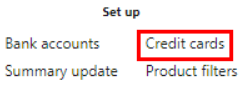
- Navigate to the top of the page and select Credit cards.
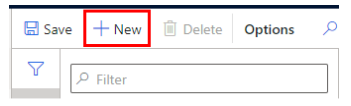
- Once you have the customer record open, select + New.
- Enter the card information on the Payment form. This will only tokenize the card.

- Once a card has been tokenized, it will be added to the customer profile, which can be expanded further with more customer information.
