
Description: Learn how to subscribe to updates and verify the operational status of systems and alerts through the Shift4 Support website.
Access External System Status Using the Shift4 Website
Use this section to verify if any systems are not operational.
- Navigate to the Shift4 Support website.
- Select Support > System Status.

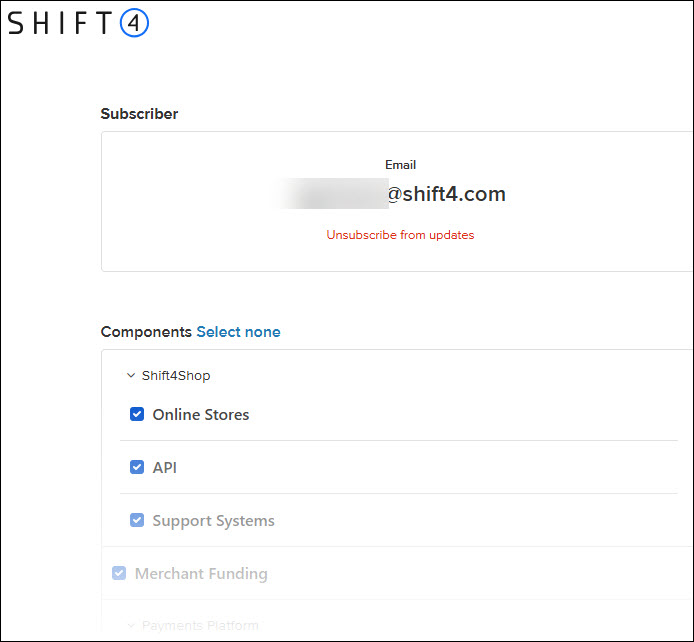
When the external Systems Statuspage is accessed:
- If any of the systems are not operational, the specific systems will appear.
- When all systems are operational, the following will appear:
.jpg?revision=1)
.jpg?revision=1)
.jpg?revision=1)
.jpg?revision=1)
.jpg?revision=1)
.jpg?revision=1)
.jpg?revision=1)
.jpg?revision=1)
.jpg?revision=1)
.jpg?revision=1)