
Log into Business Intelligence
Description: Learn how to log in to Business Intelligence.
Availability: United States, Canada, Ireland, Spain, United Kingdom
To log in to Business Intelligence:
- Log in to the Shift4 Dine Customer Hub.
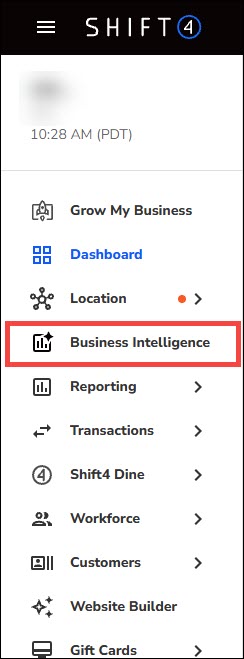
- On the left navigation menu, select Business Intelligence.
- Review the Dashboard and select filters along the top as needed.
