
Description: Learn how to enter Android settings on the Customer-facing Display (PAX A3700).
- Once you connect remotely to the the Display (A3700) via AirViewer, press 10 times in the top right corner of the screen.

- On the Advanced Menu screen, enter the pin code, which is the current date in MMDDYYYY format, and press the blue checkmark button on the bottom right of the screen.
Note: Use the left mouse button when entering the password.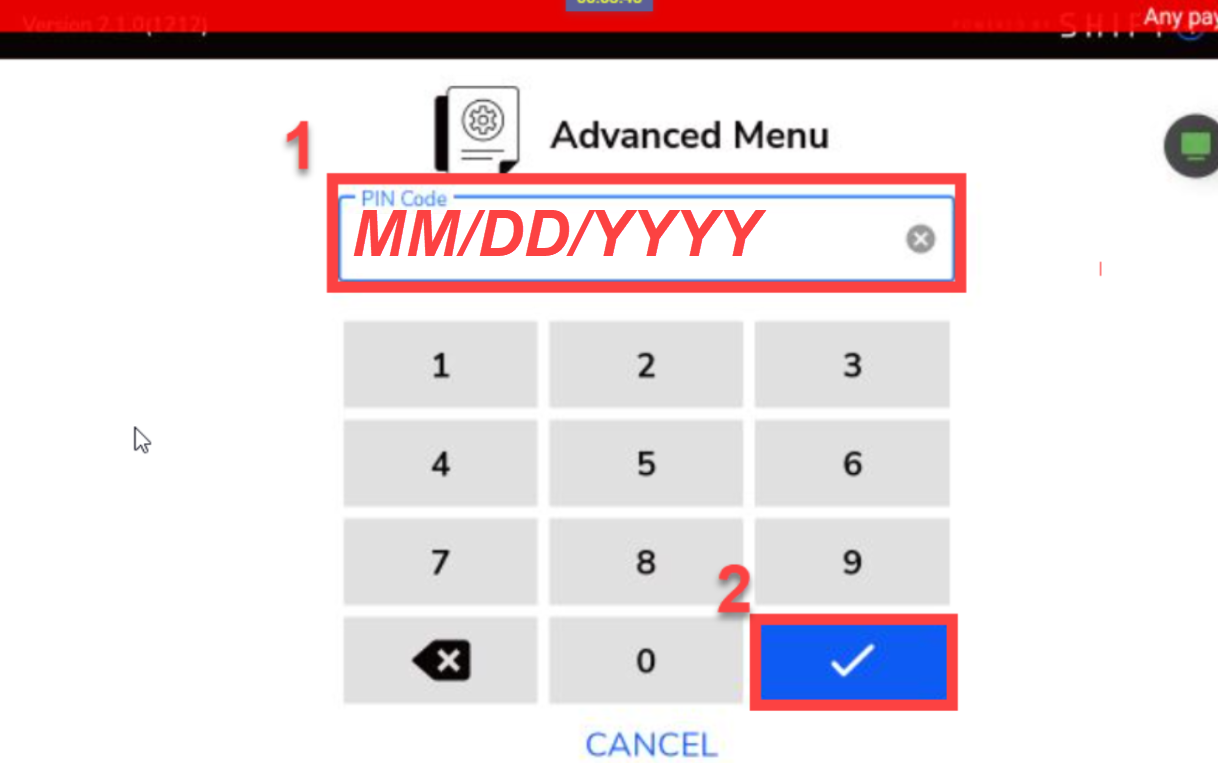.png?revision=1)
- On the Advanced menu, select the Android Settings option.
.png?revision=1)