
Description: Learn how to connect a dispatch provider on Delivery Management.
Important: Delivery Management is not generally available to merchants in the United States. If you're a US merchant looking for delivery solutions, explore the delivery integrations available in the Marketplace.
Connect a Dispatch Provider
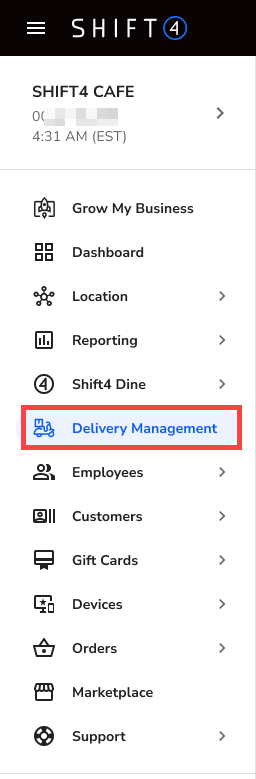
- Log in to the Shift4 Dine Customer Hub and select Delivery Management.
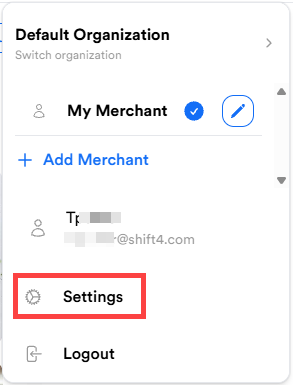
- Navigate to your Profile.

- Select Settings.
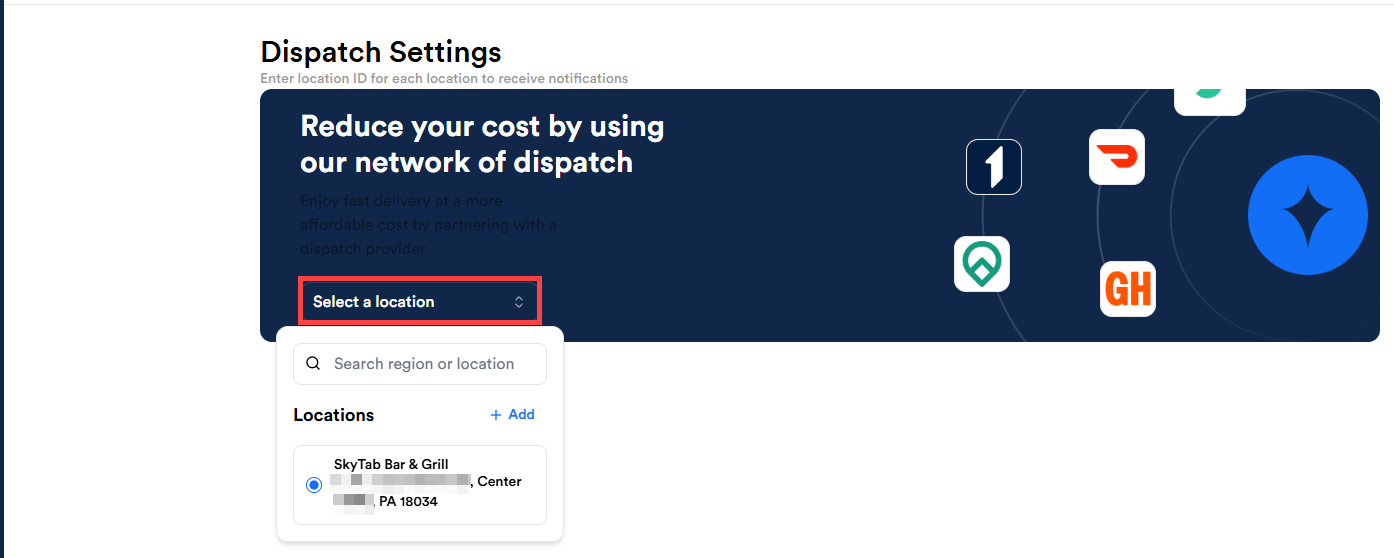
- Select Dispatch Settings.

- Choose the Select location dropdown and choose your location.
- Select Add provider.

- Select your provider.

- Enter your provider reference ID.
Note: Enter the unique ID for each location. You can find this in your Dispatch Merchant Portal. If it’s not available, contact your dispatch provider to request it.
- Select Next.
- Select Save.