
Description: Learn how to edit modifier rules within your library to update item requirements and customization options on Delivery Management.
Important: Delivery Management is not generally available to merchants in the United States. If you're a US merchant looking for delivery solutions, explore the delivery integrations available in the Marketplace.
Edit Modifier Rules
- Log in to the Shift4 Dine Customer Hub and select Delivery Management.

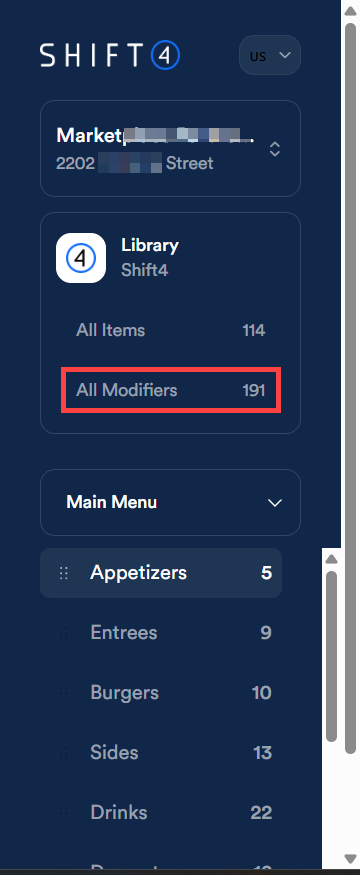
- Navigate to All Modifiers in your Library.
- Select the All dropdown to view your modifier groups.

-
Locate the modifier group from the list or enter the name of the modifier group containing the modifier(s) you want to remove in the search bar.

Select the modifier group.
- Select the pencil icon to edit.

Note: You can also edit rules directly from this page using the dropdowns to the right of the pencil icon. - Select More details and then scroll to the Rules section at the bottom to make your desired changes.

- Select Save.

Note: After saving, select Publish All to apply your changes across all connected channels.