
Snooze Items on Delivery Management
Description: Learn how to temporarily make items unavailable by applying a snooze duration, including preset options and custom return times on Delivery Management.
Important: Delivery Management is not generally available to merchants in the United States. If you're a US merchant looking for delivery solutions, explore the delivery integrations available in the Marketplace.
Snooze Items
- Log in to the Shift4 Dine Customer Hub and select Delivery Management.

- From the Menu page, select the Snooze icon for the item you want to make unavailable.

- Make a snooze selection.
Note: The next open will make the item available again at the start of your opening hours tomorrow.
- (Optional) Set a custom date and time for the item to return as available.
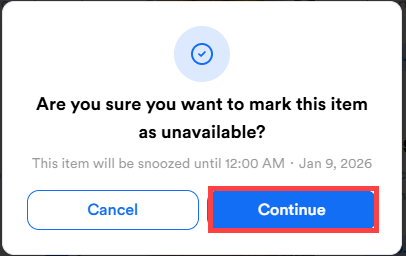
- Select Apply. A message displays confirming you want to mark the item as unavailable. Select Continue to confirm.
- After the item is successfully snoozed, it will display as unavailable with a yellow snoozed icon.
Note: You can cancel the snooze by selecting the icon again and selecting Revert.