
Unarchive Items on Delivery Management
Description: Learn how to unarchive items on Delivery Management to restore them to your library and make them available on your menu again.
Important: Delivery Management is not generally available to merchants in the United States. If you're a US merchant looking for delivery solutions, explore the delivery integrations available in the Marketplace.
Unarchive Items
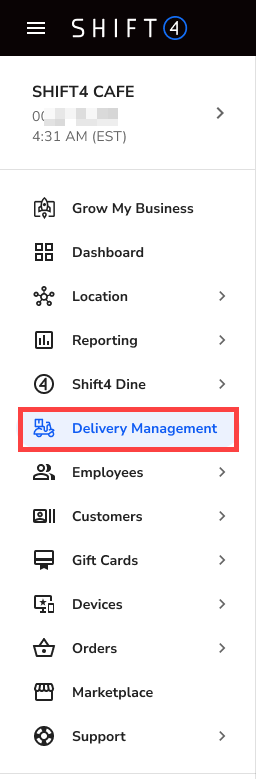
- Log in to the Shift4 Dine Customer Hub and select Delivery Management.
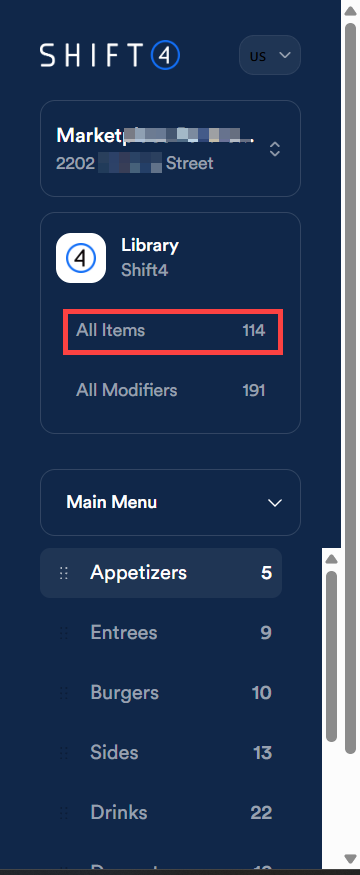
- Navigate to All Items in your Library.
- Select the three dots next to Add Item.

- Select View archived items.

- Use the search bar to locate the item you want to unarchive.

- Select the checkbox next to the item and select Unarchive to restore it.
