
Description: Learn how to view and confirm your menu’s active hours on Delivery Management, ensuring your menus are available at the correct times across all connected ordering channels.
Important: Delivery Management is not generally available to merchants in the United States. If you're a US merchant looking for delivery solutions, explore the delivery integrations available in the Marketplace.
View Menu Hours
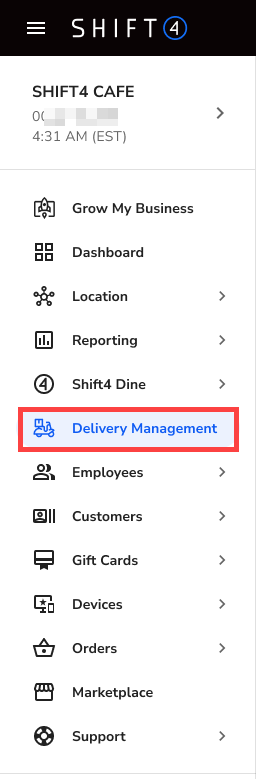
- Log in to the Shift4 Dine Customer Hub and select Delivery Management.
- From the Menu page, select Edit Menu Schedule.

- View and verify the menu hours, then select Save Hours if any changes are made.

This ensures your selected menu is available at the correct times across all connected ordering channels.