
Log in or Out of the Handheld
Description: Learn how to log in to the Handheld, select your job and printer, start taking orders, and log out at the end of your shift.
Availability: United States, Canada
When you are added to the Workstation as an employee, you're assigned a unique 4-digit PIN to use for login.
- On the initial Handheld screen, enter your PIN using the keypad.

- If you are assigned more than one job, you'll be prompted to select the job you'll perform for the shift. Tap the appropriate job from the list to continue.

- A welcome screen appears. Here, you can choose to:
- Switch your default printer, or
- Continue using the printer saved from your previous shift.
To change the printer, select a new one from the dropdown.

- Tap Continue.

- You'll be taken to the Ticket Grid view, where you can start a new ticket.
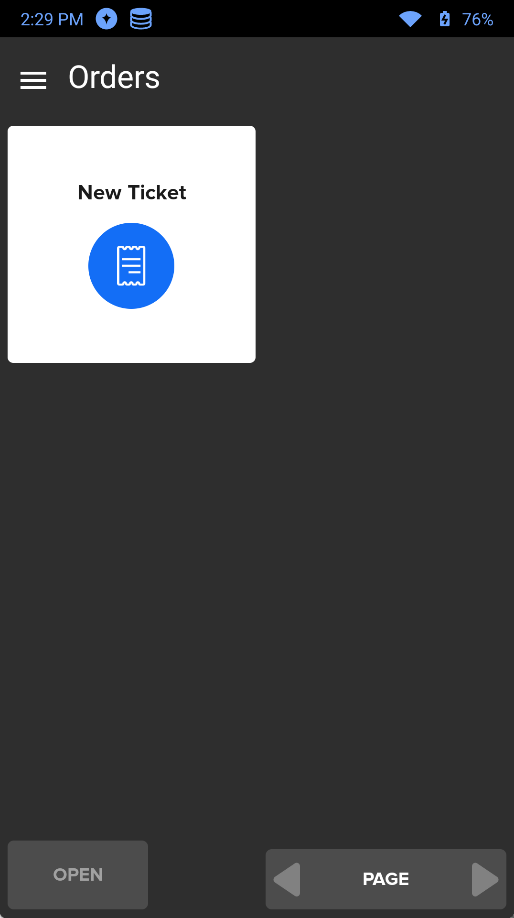
To log out, tap the hamburger menu (3 horizontal lines) in the upper left corner and select Log Out.
