
Description: Learn how to view, manage, and void Kiosk orders directly from the point of sale (POS).
Availability: United States, Ireland, Spain, United Kingdom
Kiosk Order Flow
All paid Kiosk orders automatically appear in the Completed tab on the POS.

View and Manage Orders
- Navigate to the Completed tab.
- Select a ticket to view details:
- Ordered items
- Customer information
- Special instructions
- Ticket names are set based on your Kiosk configuration.
- If a phone number is attached:
- You can send an SMS notification from the POS.
- The "SMS on Done" feature can also be configured via the Kitchen Display System.
Void Orders
To void a Kiosk order from the POS:
- Open the ticket in the Completed tab.
- Select Void.
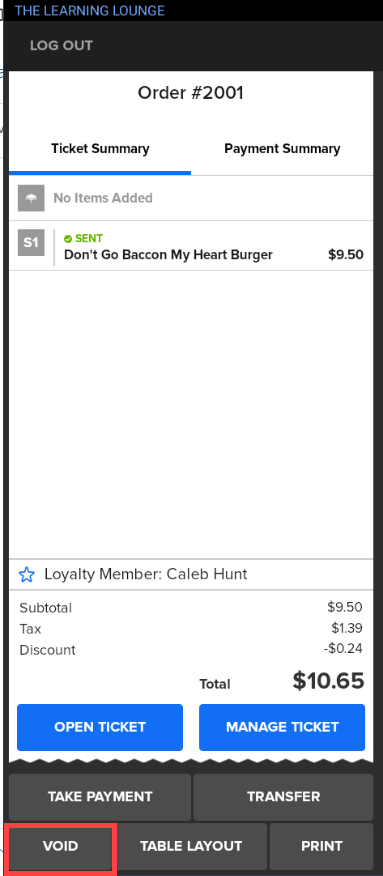
- Select a reason and confirm.
Note: Only authorized users with proper permissions can void tickets.