
Change the Station Name on Shift4 Dine
Description: Learn how to update the terminal name displayed on your Shift4 Dine and reports.
Change the Station Name
- Log in to Shift4 Dine.
- Navigate to Manager > Settings > Hardware.
.png?revision=1)
- In the Station Name field, enter the desired name.
Note: This name appears in the upper-right corner of the Shift4 Dine screen and on system reports.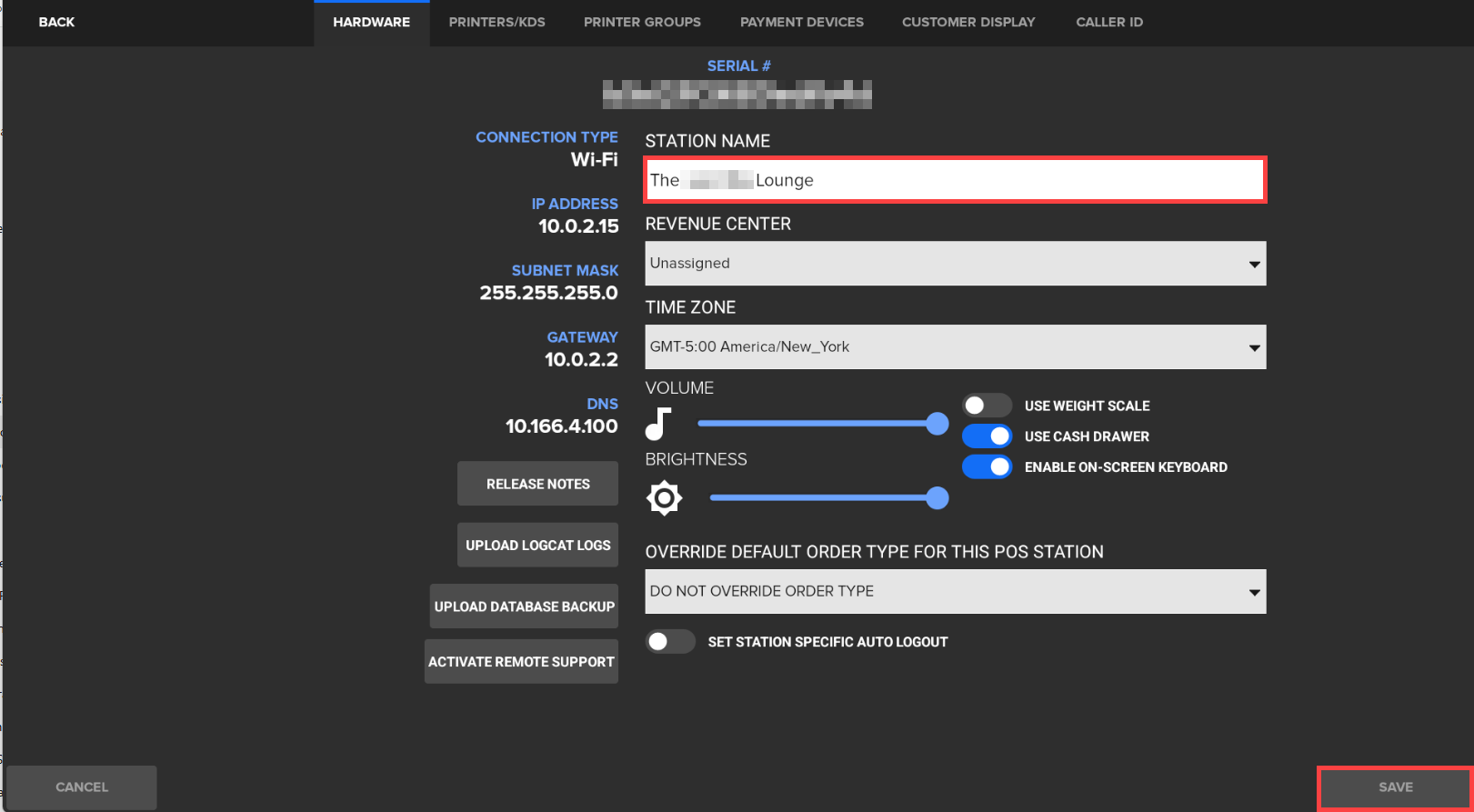.png?revision=1)
- Tap Save to apply the change.