View Shift4 Dine Settings
View Shift4 Dine settings by selecting the Employee name in the top left corner of the checklist screen, then select the Settings section by pressing on it..png?revision=1)

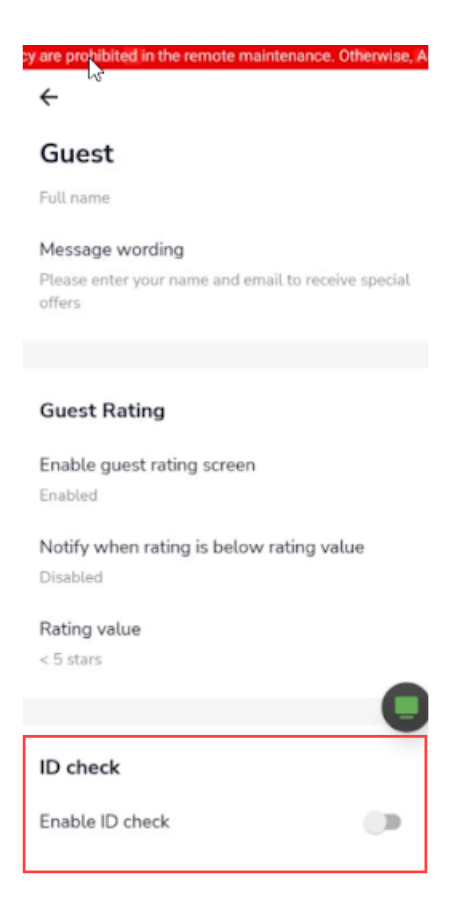
The settings section is split into different categories, which can be modified in the Shift4 Dine Customer Hub. Settings that can be modified in the Shift4 Dine device itself are Business, Guests, Ordering, Checks, and Demo Mode.
Business Settings
- Logout after inactivity: when enabled, the Shift4 Dine device will automatically log the employee out of the device if it exceeds the selected duration.
- Logout after payment: when enabled, the Shift4 Dine device will automatically log the employee out of the device once the payment has been processed.