
Add an Open Item on Shift4 Duo
Description: Learn how to add an open item to a ticket on Shift4 Duo.
To add an open item to a ticket:
- The Open item button is found on the order pad among the Other menu items.
.png?revision=1)
- Tap the Open item button.
.png?revision=1)
- After tapping on the Open item, you will see a keypad to enter the open item’s price.
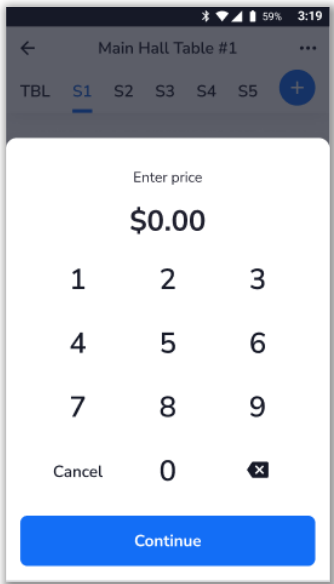.png?revision=1)
- Once the price is entered, press Continue.
.png?revision=1)
The “Open item” in the check’s items list is displayed.
- You can edit the price by tapping on the item and then selecting Edit price.
