
Void a Transaction on Shift4 One
Description: Learn how to void a transaction on Shift4 One.
Availability: United States, Canada, Ireland, Spain, United Kingdom
To void a transaction:
- Tap the hamburger menu (3 horizontal lines) in the upper left corner of the screen to access the menu.

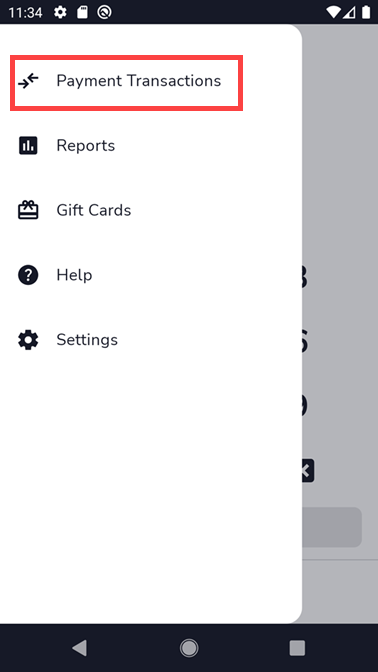
- Tap Payment Transactions.
- Tap on the transaction that needs to be voided.

- Tap on the three dots in the upper right corner for the options.

- Tap on the Void option.

- Select Void to remove the transaction.
