Description: Review how to configure two receipts to print out for the QSR & Delivery system below.
Confirm the First Copy is Set to Print
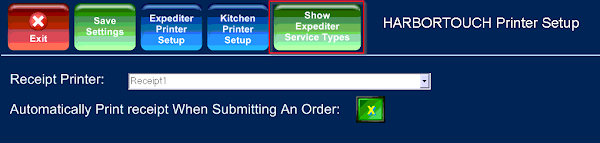
First, ensure the first receipt copy is set to print on that station’s receipt printer. This can be done by simply choosing the option to have that receipt printer print a copy of the receipt when the order is submitted. To do this,
- Log in to the system and navigate to Admin > Config Tools > Database Settings.
- Click the Printer Setup option on the right.
- Make sure that 'Automatically Print Receipt When Submitting An Order' is checked.