
Use Interact Kiosk for Appetize
Description: Follow the steps below to process transactions within Interact.
- Log in to Interact using the credentials created with the steps in the Interact Setup article. Select Add to enter the Username and Password.


- Once a vendor is added, select Continue to log into that location.

- If multiple vendors are needed, select Add again to enter the additional credentials.
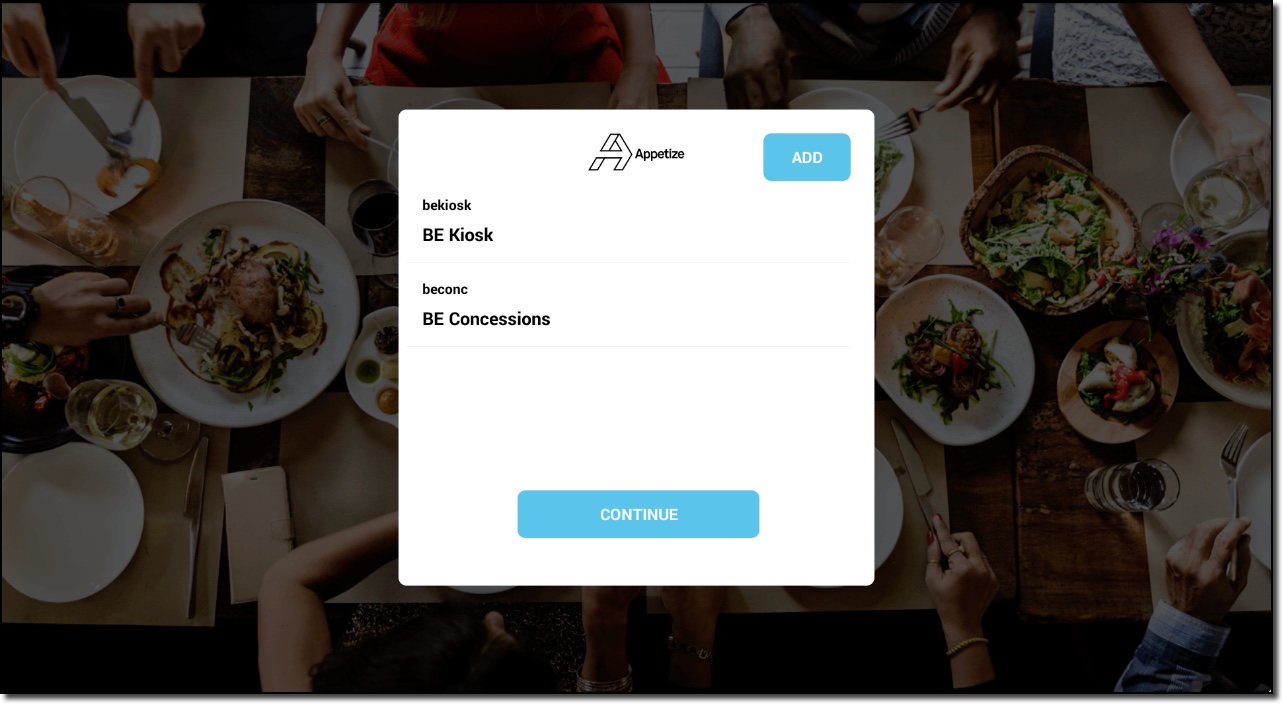
- Select Continue to choose which location to order from.

- The first page displayed will be the Category Groups and the pictures assigned to each group.

- If Level 2 Category Groups are assigned, then they will be displayed after selecting a Level 1 Category Group.

- The user will add items to the cart by selecting the + sign below each item.

- If the item selected has any modifiers attached to it, the user will be able to select one of the options before adding the item to the cart.

- Select Place Order once all items are added to the cart to be taken to the payment screen.

- Once the order has been submitted, the customer can choose receipt options.
