Description: Learn how to configure employee settings in Hartbortouch.
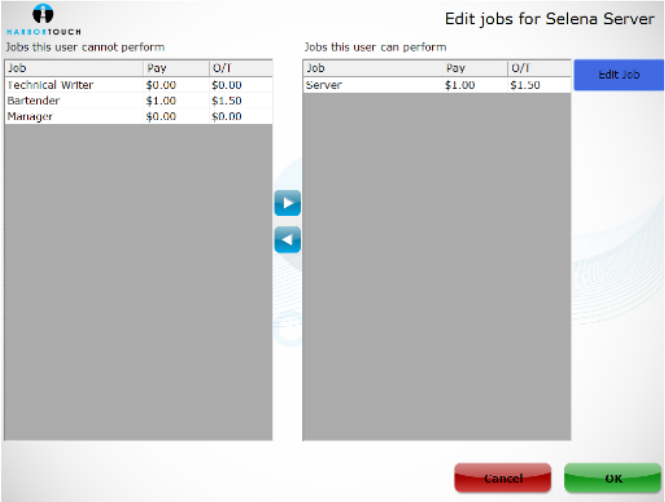
In the Hospitality system, each system user should be created as an employee, after which time you can assign them different jobs, PIN codes and restrict or grant them access to different features in the system.
Adding or Editing Employees
To add or edit employees, navigate to the Manager Screen > Employees, and a dialog box will appear:
- If you are creating a new employee, select New in the lower left of the dialog box.
- To edit an existing employee:
- Select their name from the list.
- Choose Edit in the lower-left corner of the screen.
You have the option to View All or View Active on the right side of the dialog box. Toggle this to show either every employee that has ever been entered into the system or show only currently utilized employees, respectively.
Once the desired additions or changes are complete, select OK. The newly defined Employee is now active and accessed by entering their PIN code on the login screen.