
Create and Manage Organizations on Delivery Management
Description: Learn how to create and manage organizations on Delivery Management to separate brands, franchisees, or billing between stores.
Important: Delivery Management is not generally available to merchants in the United States. If you're a US merchant looking for delivery solutions, explore the delivery integrations available in the Marketplace.
Create and Manage Organizations
- Log in to the Shift4 Dine Customer Hub and select Delivery Management.

- Navigate to your Profile.

- Select Default Organization.

- Select the pencil icon to edit your current organization.

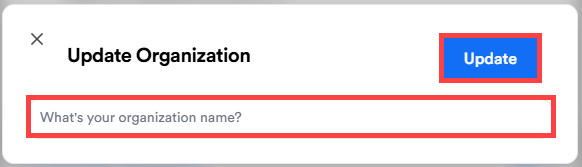
- Enter a new name for the organization and select Update.
- To add another organization, select Create New Organization. Examples include franchisees you oversee or restaurant brands you manage.
Note: Each organization has its own separate billing.
- Enter a name for the new organization, select Retail or Restaurant, and select Create.

- Return to your Profile to switch between all organizations.
You can now view and manage all created organizations from a single login.