
Reports Overview on Shift4 One
Description: Learn how to access, view, and print the Location Transaction or Menu Sales reports for Shift4 One.
Availability: United States, Canada, Ireland, Spain, United Kingdom
Access Reports
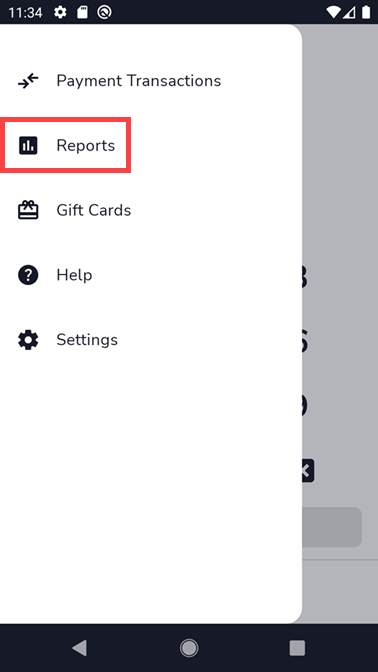
- Tap the hamburger menu (3 horizontal lines) in the upper-left corner of the screen to open the menu.

- Tap Reports.
Available Reports
Shift4 One offers the following report types:
- Location Transaction: Displays transaction activity across the entire location.
- Menu Sales Report: Displays sales data by menu item.
Select a report to view its details.
Print a Report
- Open the report you wish to print.
- Tap the printer icon in the upper-right corner of the screen.

Report Data Limitations
The Transaction report shows the most recent 1,000 transactions. The report stores transactions from the past 30 days.